About
Word Teams
Word Teams is designed as a companion app to the New York Times Wordle game.*
Play Wordle as you normally would in the official app or website, then come here to enter the day's answer and your guesses and see how you stack up against your friends.
Enter the day’s board
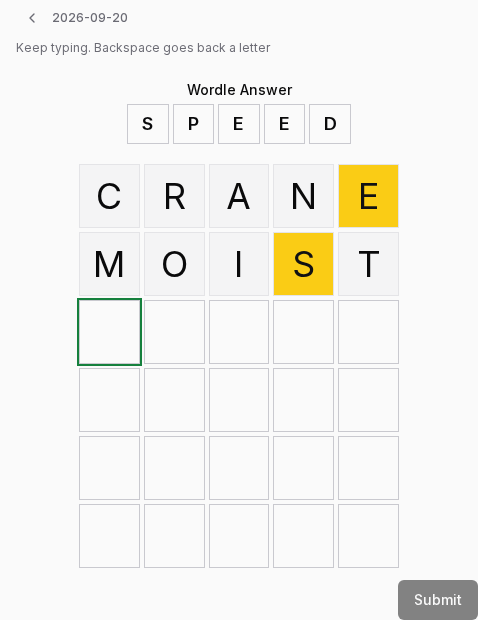
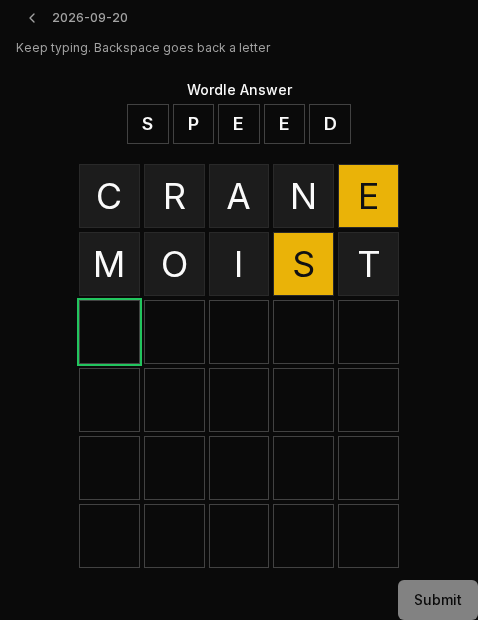
Pick the day, then type in the answer and the guesses you made. The board fills as you type and backspace goes back a letter, so it is about ten seconds and you never leave the keyboard.
Get a team around you
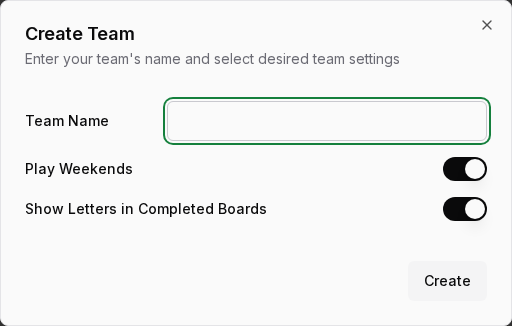
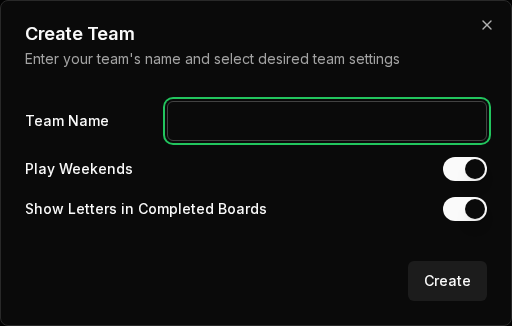
A scoreboard needs somebody to score against. Create a team and invite the people you already send your score to — by their email address, or by sharing a join link. If a friend invited you, they need the address you sign in with, or they can just send you the link. A free account can be on two teams.
Put it on your home screen
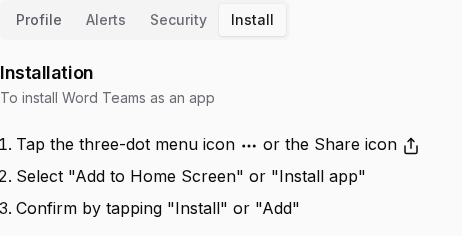
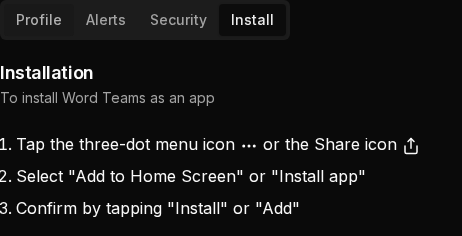
For a more app-like experience, install Word Teams to your home screen or desktop. Tap your browser’s three-dot menu or its Share icon, choose “Add to Home Screen” or “Install app”, then confirm. The same three steps live in the app under Settings, on the Install tab — open the menu at the top right.
What Pro adds
Everything above is free. Pro adds:
- As many teams as you like
- Your own scoring system
- Import from a screenshot
- The numbers behind your guesses, and your team’s
- Challenge another team
- Every month your team has ever played
We have a new name
Wordle Teams is now Word Teams, at wordteams.com. It is the same app, with the same account and the same scores, and old links still work.
If you installed the app: open wordteams.com, install it from there, then remove the old one.
If you sign in with a passkey: a passkey belongs to one web address, so your old one will not work here. Sign in another way and you will be offered a new one, or add one under Settings, Security.
If you get push reminders: they keep arriving for now. To move them here, turn them on again under Settings, Alerts. Do it on each device you use, because turning them on here stops the old ones on your other devices until you turn them on there too. On an iPhone, install the app first, then turn them on inside it.
For any suggestions or issues, email us at support@wordteams.com.
* Word Teams is not affiliated with New York Times or the official Wordle game